
Work activity lifecycle
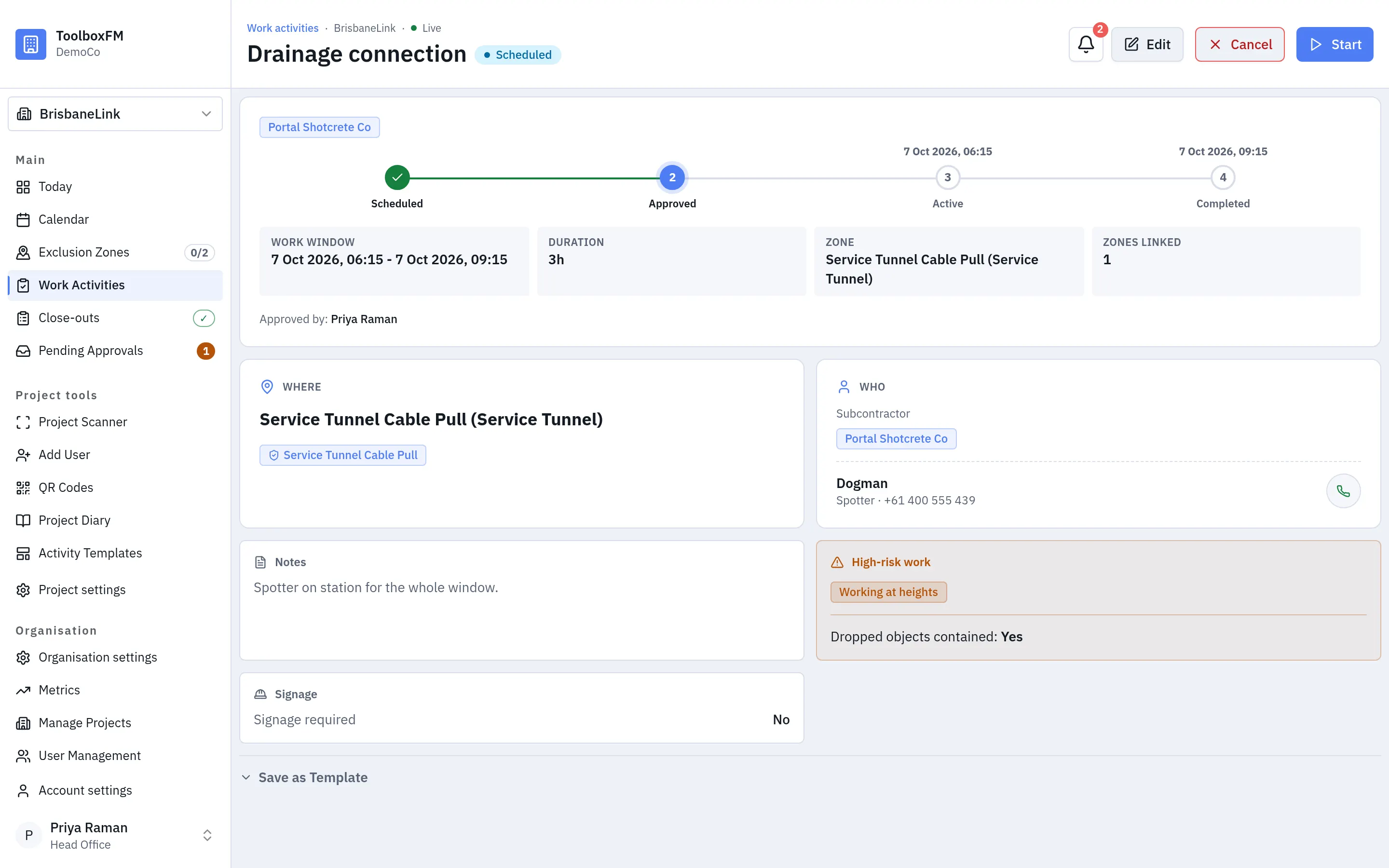
A work activity has two independent things going on at once: whether it has been approved, and what stage it has reached. Keeping them separate is what lets a request sit waiting without holding an exclusion zone.
Approval
Section titled “Approval”| Value | Means |
|---|---|
| Pending | Requested. Does not block an exclusion zone. |
| Approved | Committed. Blocks its exclusion zone while scheduled or active. |
| Value | Means |
|---|---|
| Scheduled | Approved and in the future. Blocks its exclusion zone. |
| Active | Under way. Blocks its exclusion zone. |
There is no “paused” stage. Pausing is a sub-state of active, recorded separately. A paused activity still blocks its exclusion zone, so a crew that is coming back keeps its slot.
How it moves
Section titled “How it moves”- Created → pending, scheduled.
- Approved → approved, scheduled. It now blocks its exclusion zone if it has one.
- Its start time arrives → active, automatically. Nobody presses start.
- Paused and resumed, any number of times, while active.
- Finished → ended by hand. Nothing closes an activity on a timer.
How it ends
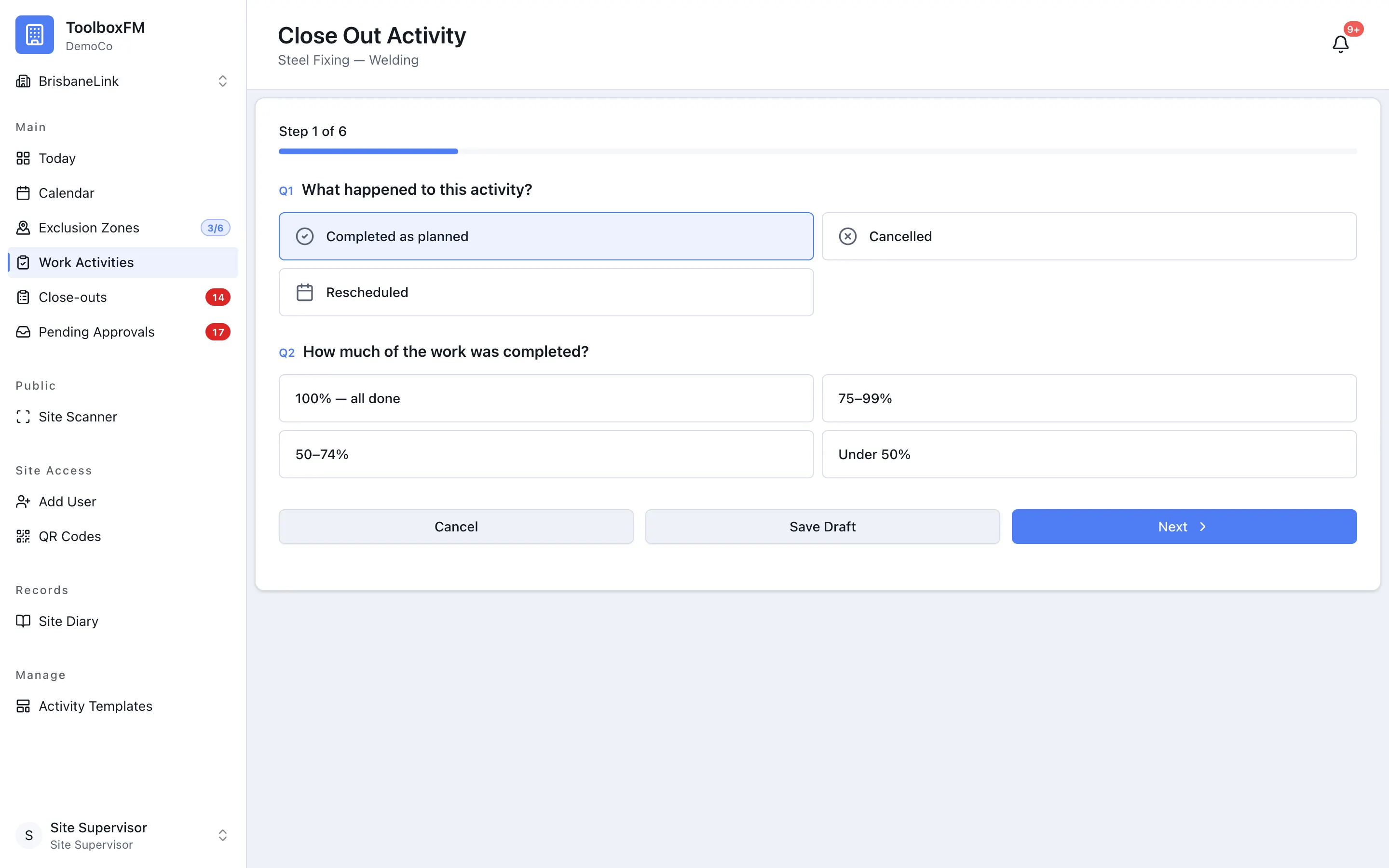
Section titled “How it ends”An activity ends when somebody presses End activity, and not before. When its scheduled finish passes it stays open as overdue and keeps blocking its exclusion zone, and ToolboxFM records an Extension episode that runs from the scheduled finish until the work is ended (or until the finish is extended). Cancel is separate: it is for work that will not go ahead at all.
Because the end is always something a person chooses, close-out is asked for afterwards rather than blocking the end. A crew that has gone home should not have to answer questions to get out of the gate.
Derived states
Section titled “Derived states”Some labels you will see are worked out rather than stored, and so are always current:
| Label | Means | Worked out from |
|---|---|---|
| Bumped | Another activity was approved over the same exclusion zone. | The blocking bookings that exist. |
| Overdue | Overran its window, or never started. | The clock and its window. |
Both are rescued the same way: Extend the activity.