
Set up your tenant
This is the configuration half of ToolboxFM. Work through it once per organisation, then dip back in when you take on a new project or a new subcontractor.
Most of it is done by someone with the Head Office role. Projects, zones and subcontractors are project-scoped, so a Project Supervisor can manage their own project without seeing the rest of the organisation.
ProjectsThe top of the hierarchy, and the public QR page that goes on the gate.
Work zonesMark out areas inside a project and move them through pending, active and closed.
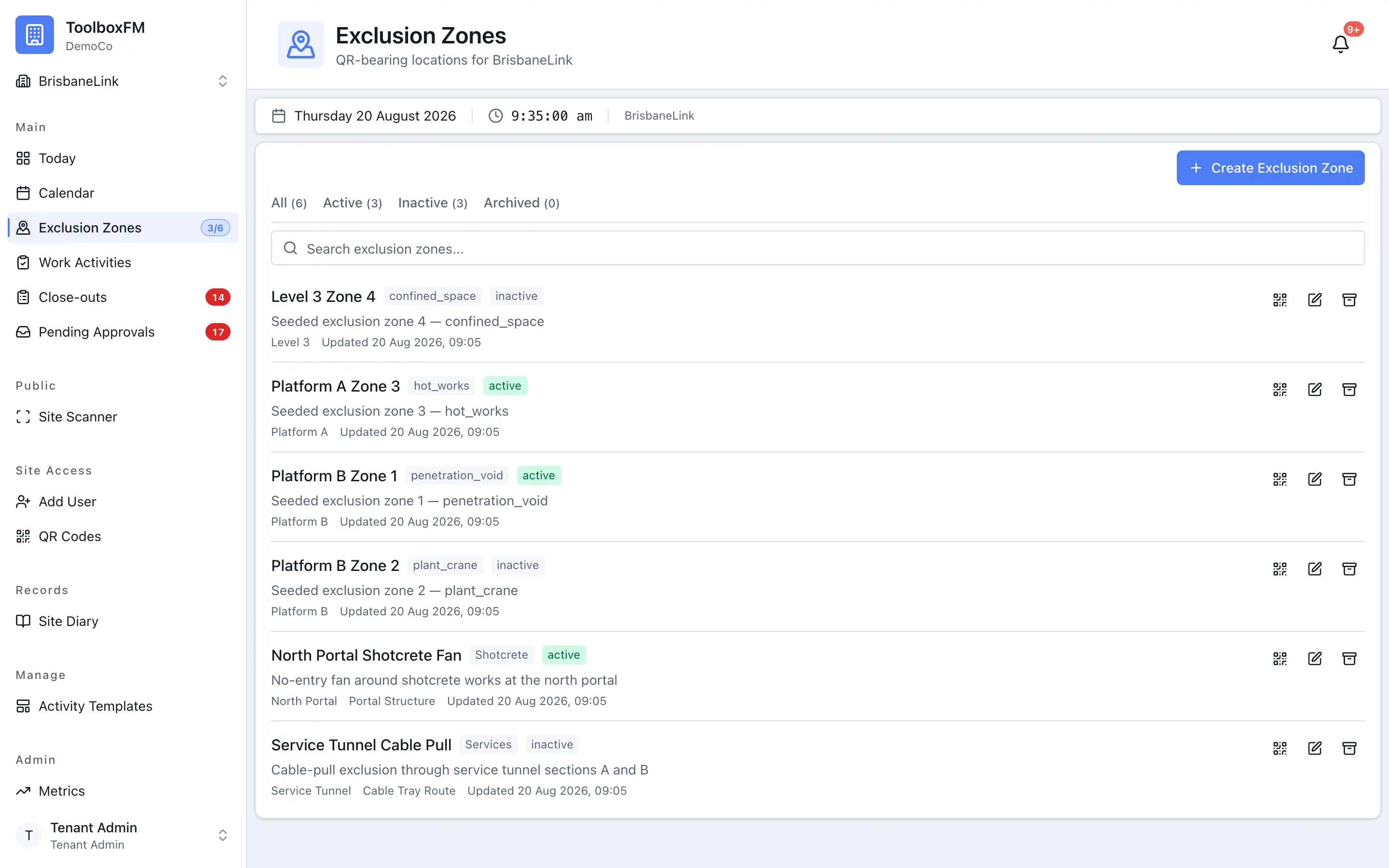
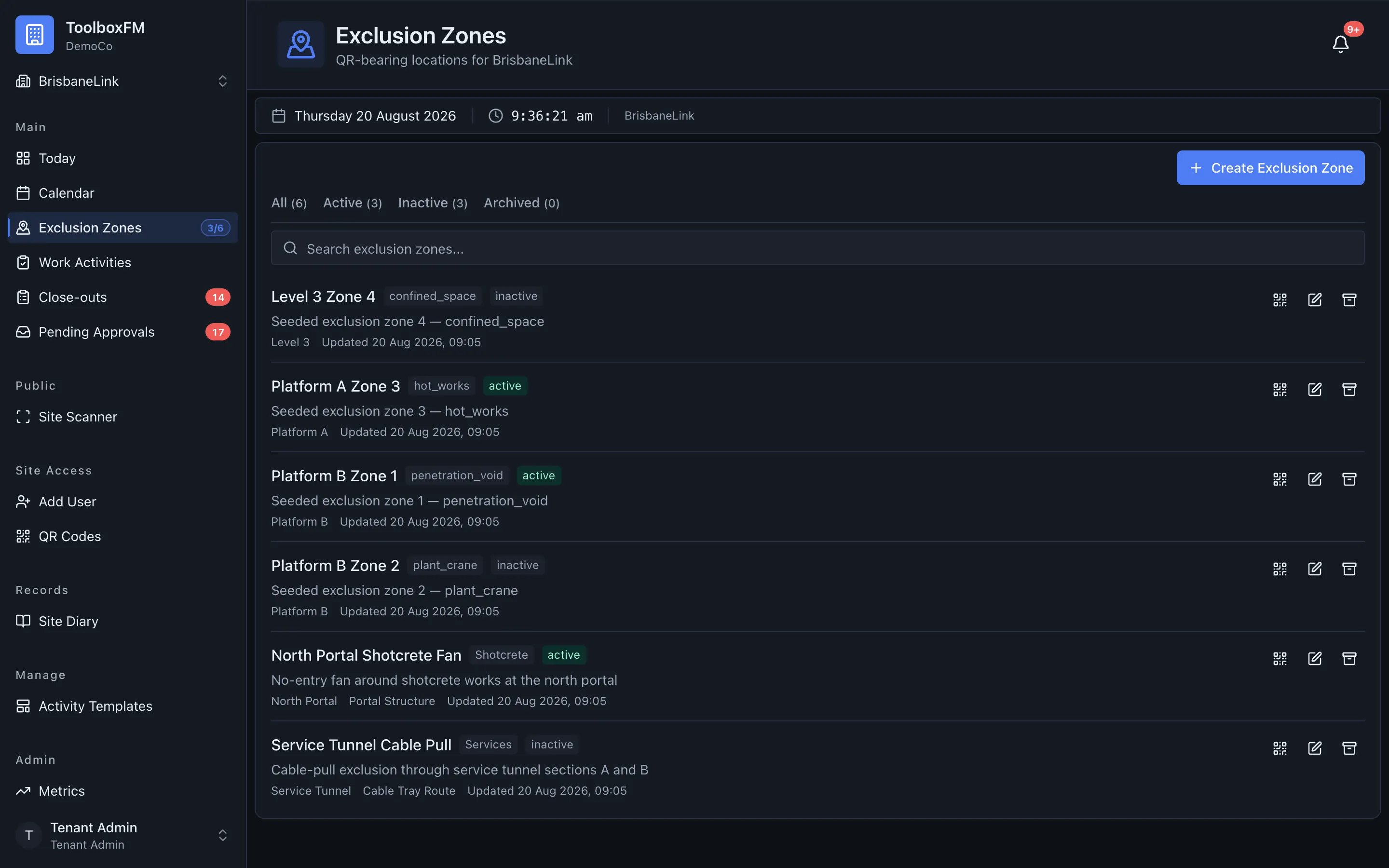
Exclusion zonesAreas where only one crew may work at a time — and what happens when two want the same slot.
Users and rolesInvite people and give them a role, including who may grant what.
Single sign-onConnect an identity provider, prove it works, then require it for your staff.
SubcontractorsRegister the companies you bring on the project so work is attributed correctly.