
Users and roles
The four roles
Section titled “The four roles”Roles are ordered by privilege. The display names are what you will see in the app.
| Role | Scoped to | Roughly, this person… |
|---|---|---|
| Head Office | Your whole organisation | Runs the organisation. Sees every project. |
| Project Supervisor | One project | Runs that project day to day. |
| Subcontractor Supervisor | One project | Books and runs their own crew’s work. |
| User | One project | Sees the project and their own work. |
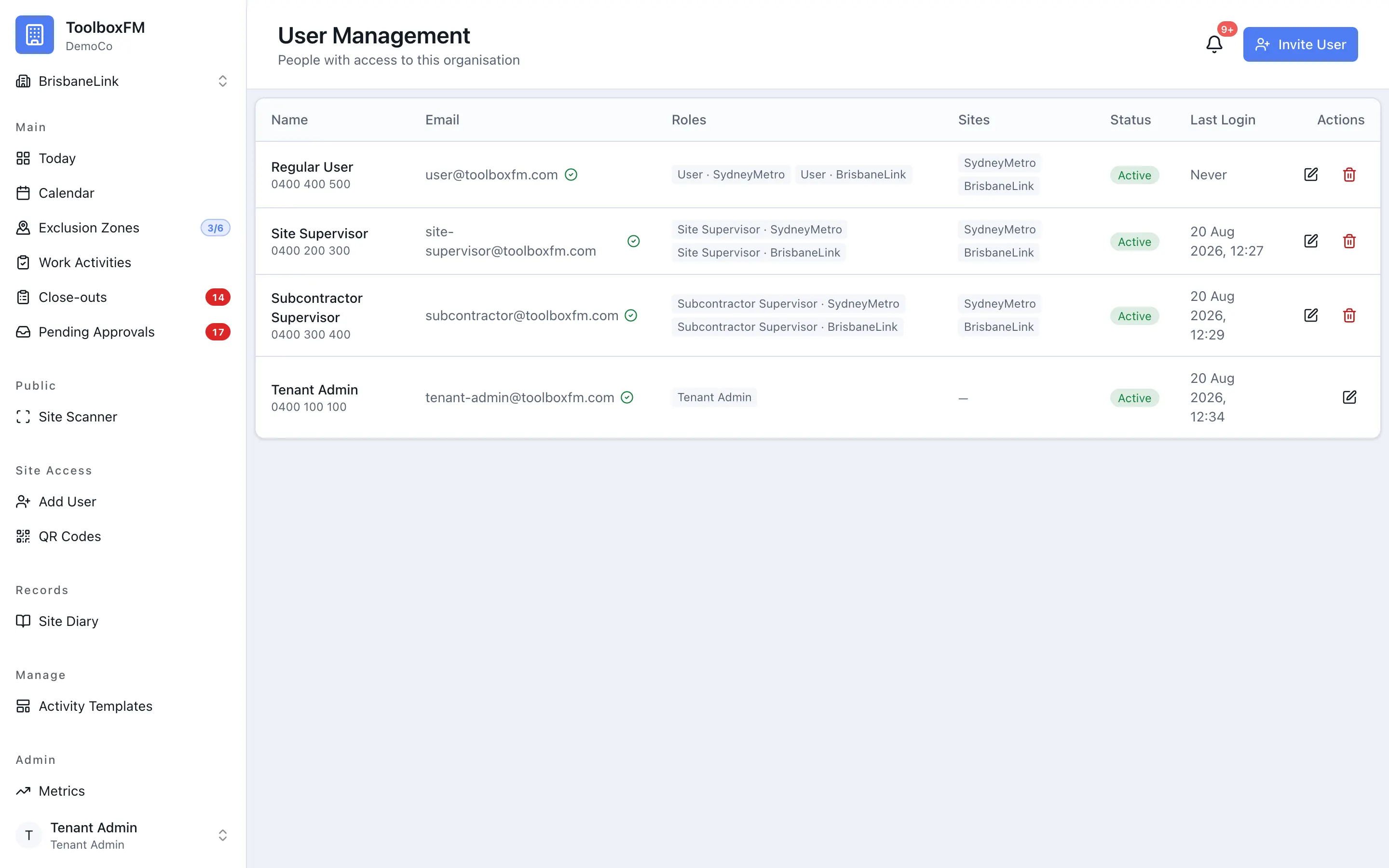
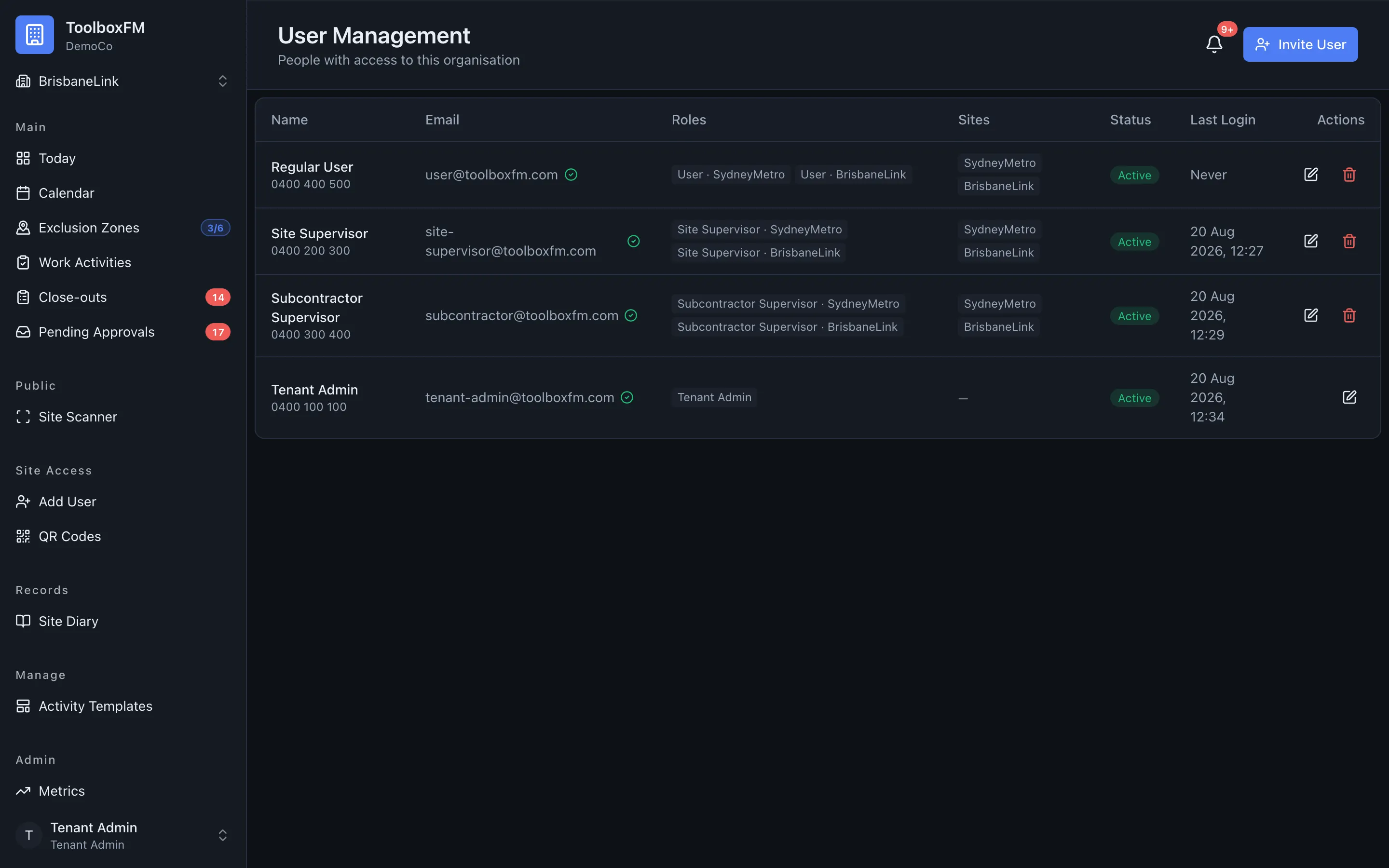
Only Head Office spans the organisation. The other three are always attached to a specific project, so “all projects” is never an ambiguous state — it is a different kind of role, not a project role with a blank project.
Roles and permissions lists every permission each role holds.
Inviting somebody
Section titled “Inviting somebody”ToolboxFMProject AccessAdd User — enter their name and email address, then choose a role. A project-scoped role grants access to the selected project. If you choose Subcontractor Supervisor, select their company so work requests are attributed to the right subcontractor.
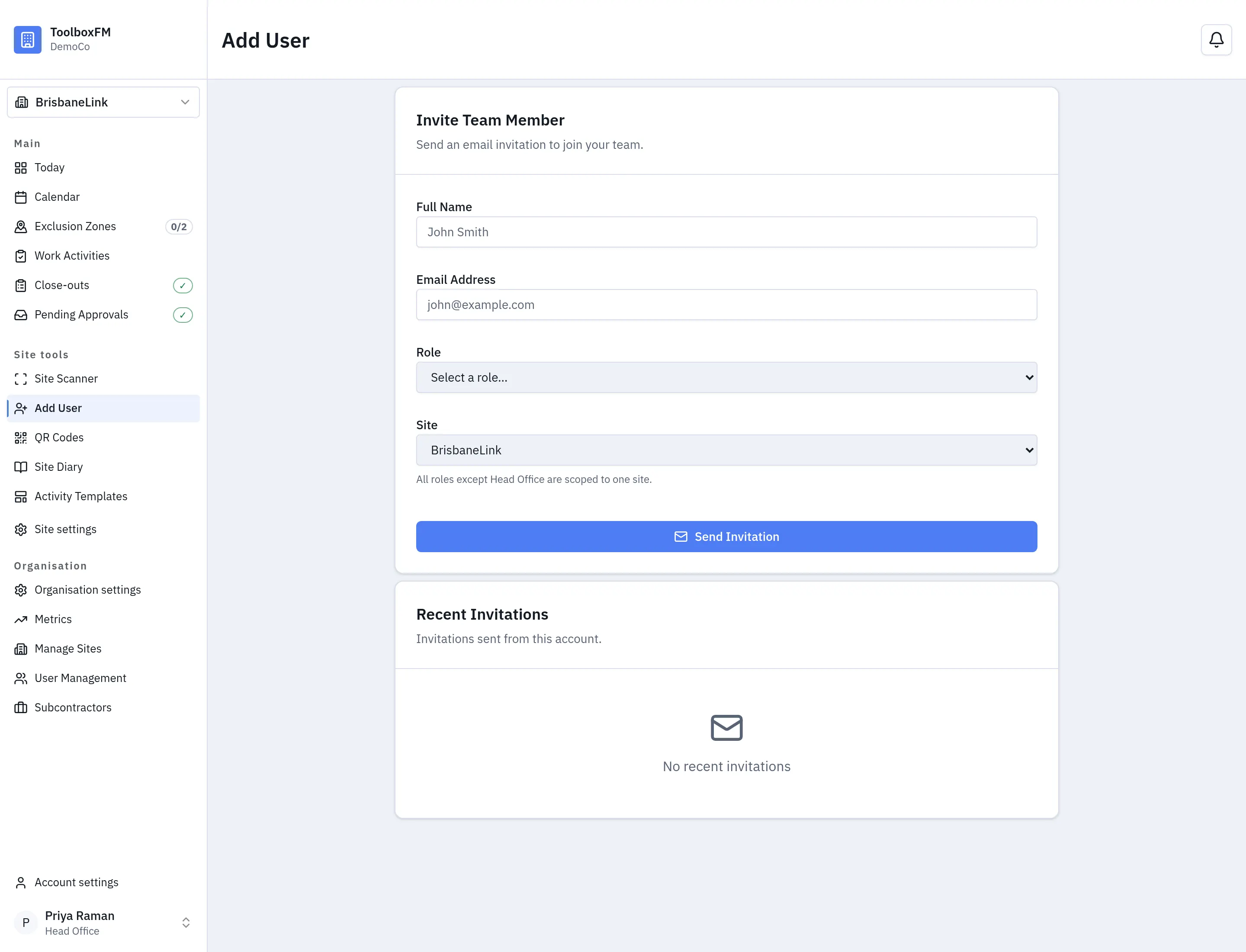
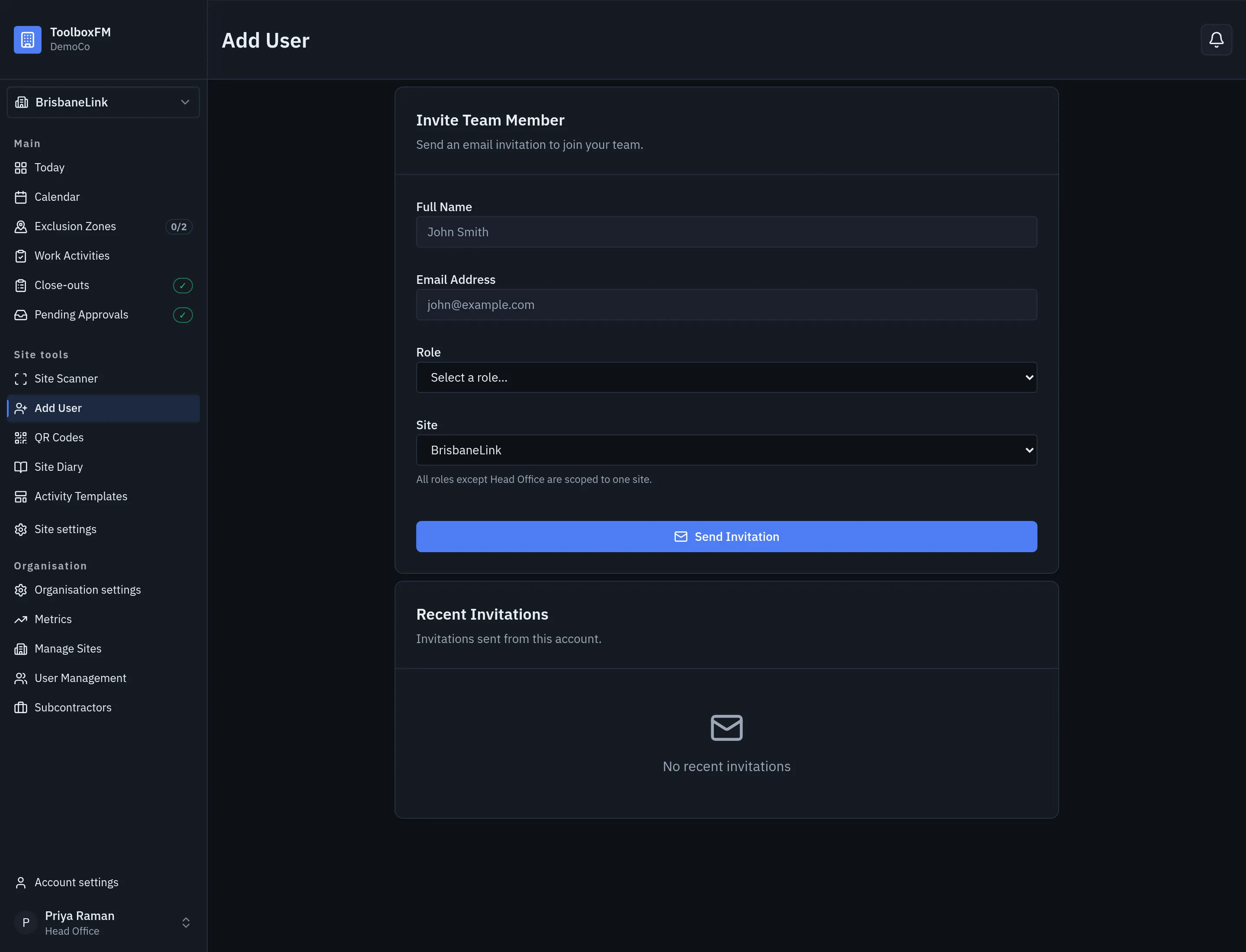
They receive an invitation and set their own password. The invitation can be resent or revoked while it is still pending.
If you use single sign-on, invite them on a domain you have connected and they will be able to use your provider instead. See Single sign-on.
Who can assign which role
Section titled “Who can assign which role”| You are | You can give |
|---|---|
| Head Office | Any role, including Head Office |
| Project Supervisor | Project Supervisor, Subcontractor Supervisor, User |
A Project Supervisor cannot create another Head Office. That is the only restriction on the table above.
One person, several roles
Section titled “One person, several roles”Somebody can hold roles on more than one project, and different roles on different projects — a Project Supervisor at one job and a Subcontractor Supervisor at another, for example.
When ToolboxFM has to reduce that to a single answer, it uses the highest-privilege role the person holds in that context.
Removing access
Section titled “Removing access”Taking a role away takes effect immediately. ToolboxFM keeps sessions on the server rather than in a token that stays valid until it expires, so a revoked person is out on their next action rather than at some later time.