
Work zones
A zone is an area inside a project that you want to track on its own — a level, a loading dock, a basement plant room.
Zone lifecycle
Section titled “Zone lifecycle”A zone moves through three states:
| State | Means |
|---|---|
| Pending | Created, not yet open for work. |
| Active | Open. Crews can book work here. |
| Closed | Shut off or finished. No new work. |
A zone starts pending so you can map out a project before anything happens on it. Opening and closing a zone is a permission in its own right, so you can let supervisors open a zone without letting them delete it.
Zones versus exclusion zones
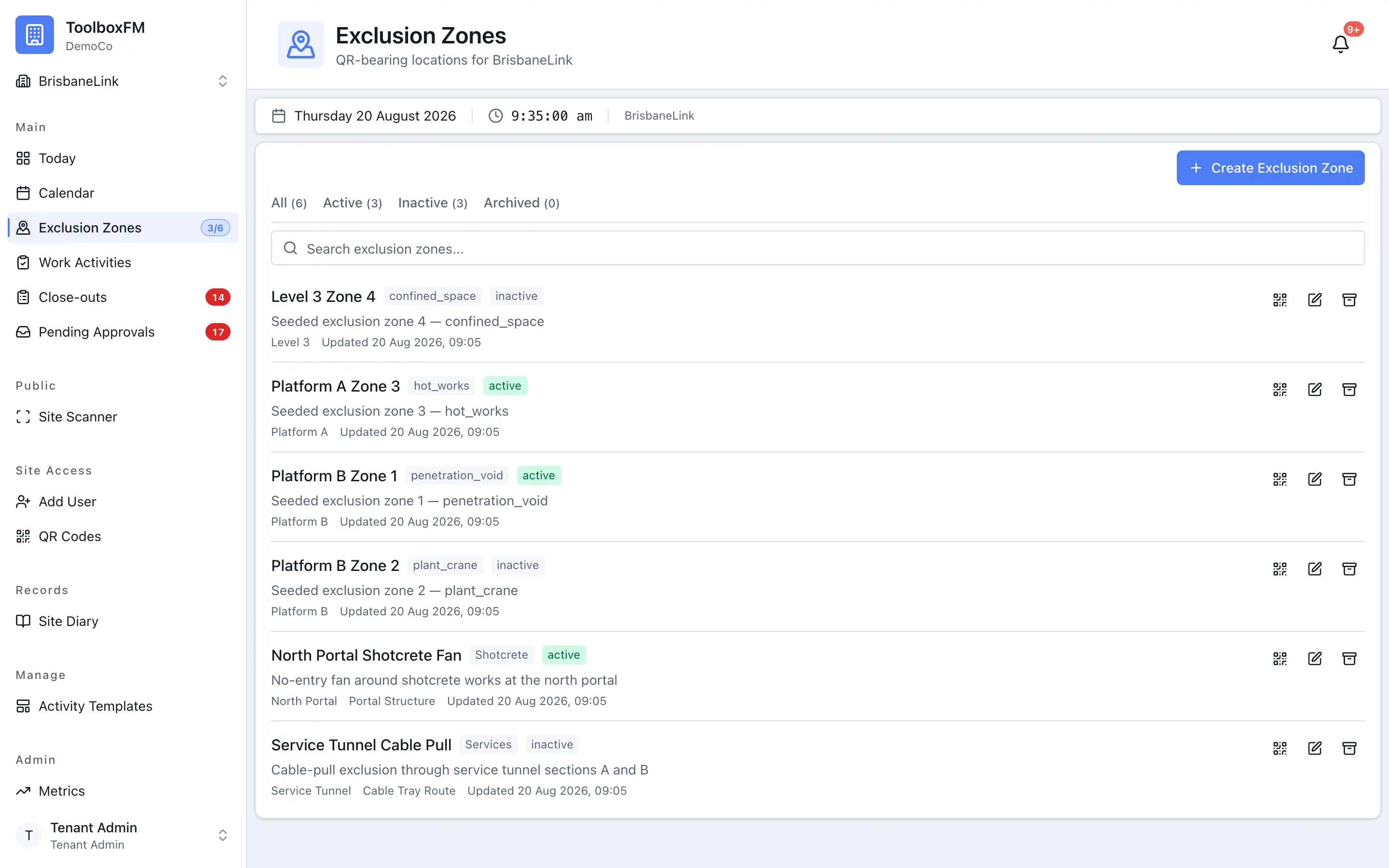
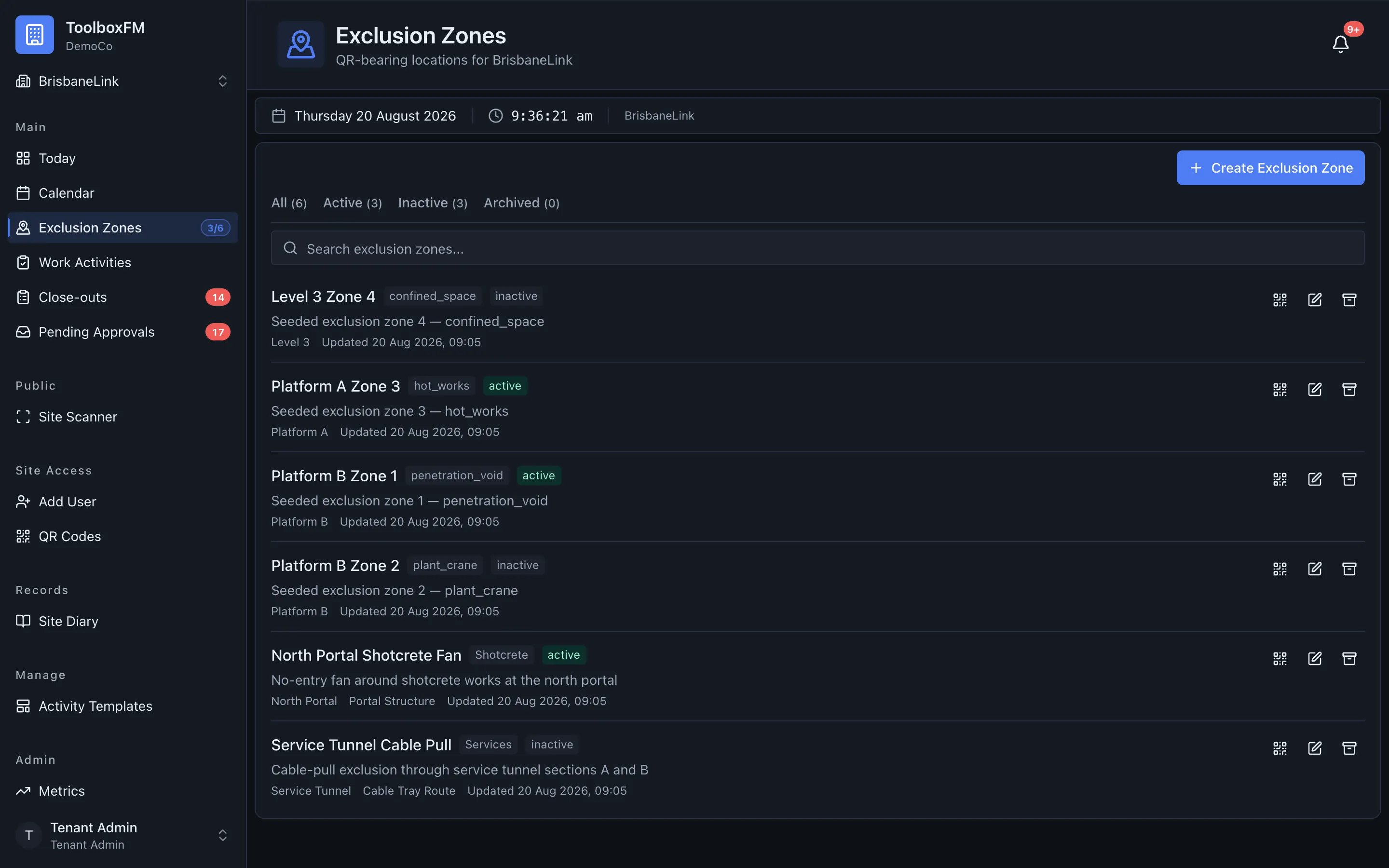
Section titled “Zones versus exclusion zones”A normal zone can have as many crews working in it as you like. An exclusion zone can have only one at a time. If a crane is lifting over an area, or there is one way in and out, that area should be an exclusion zone.
You decide which is which when you create the zone. See Exclusion zones.