
Subcontractors
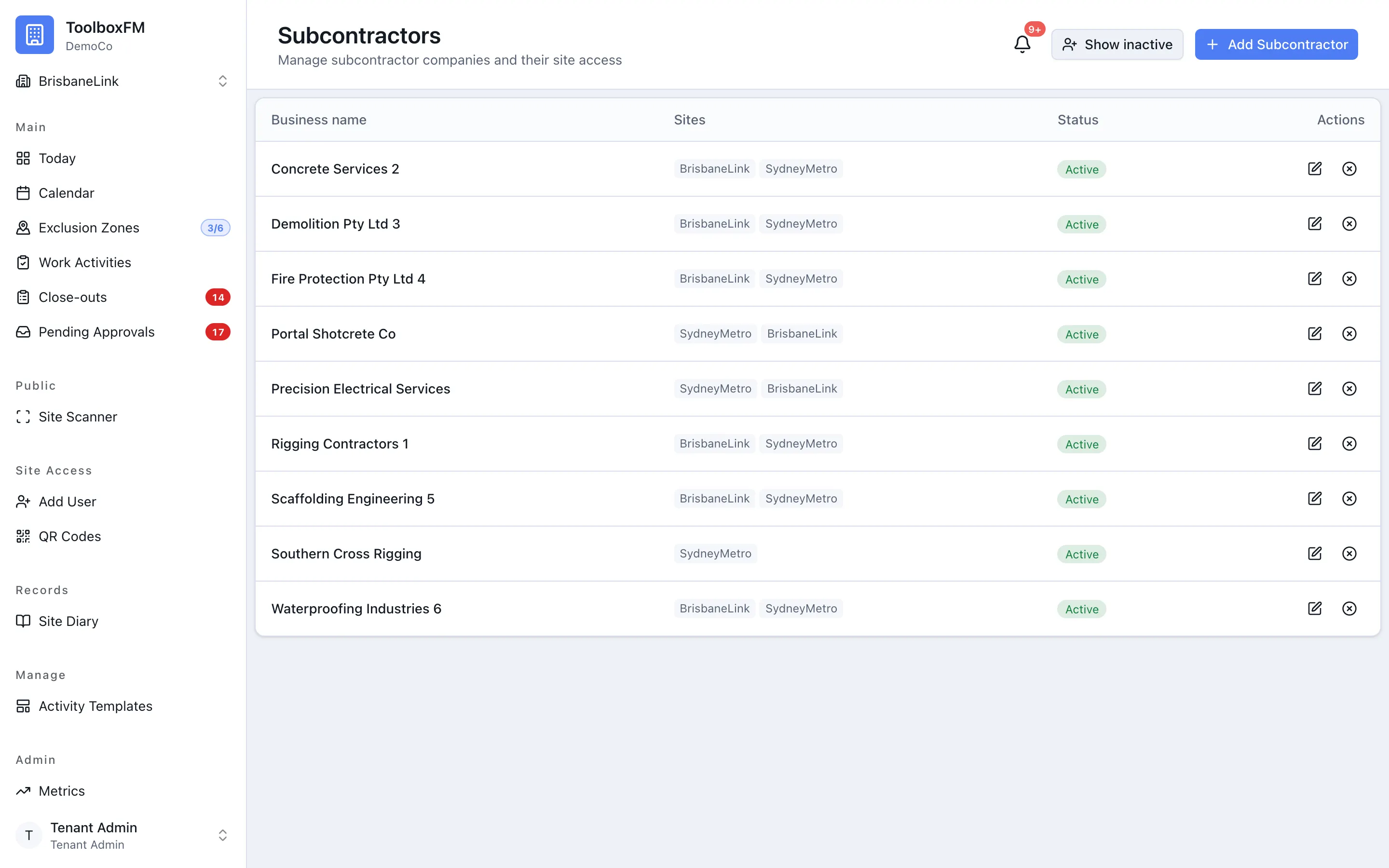
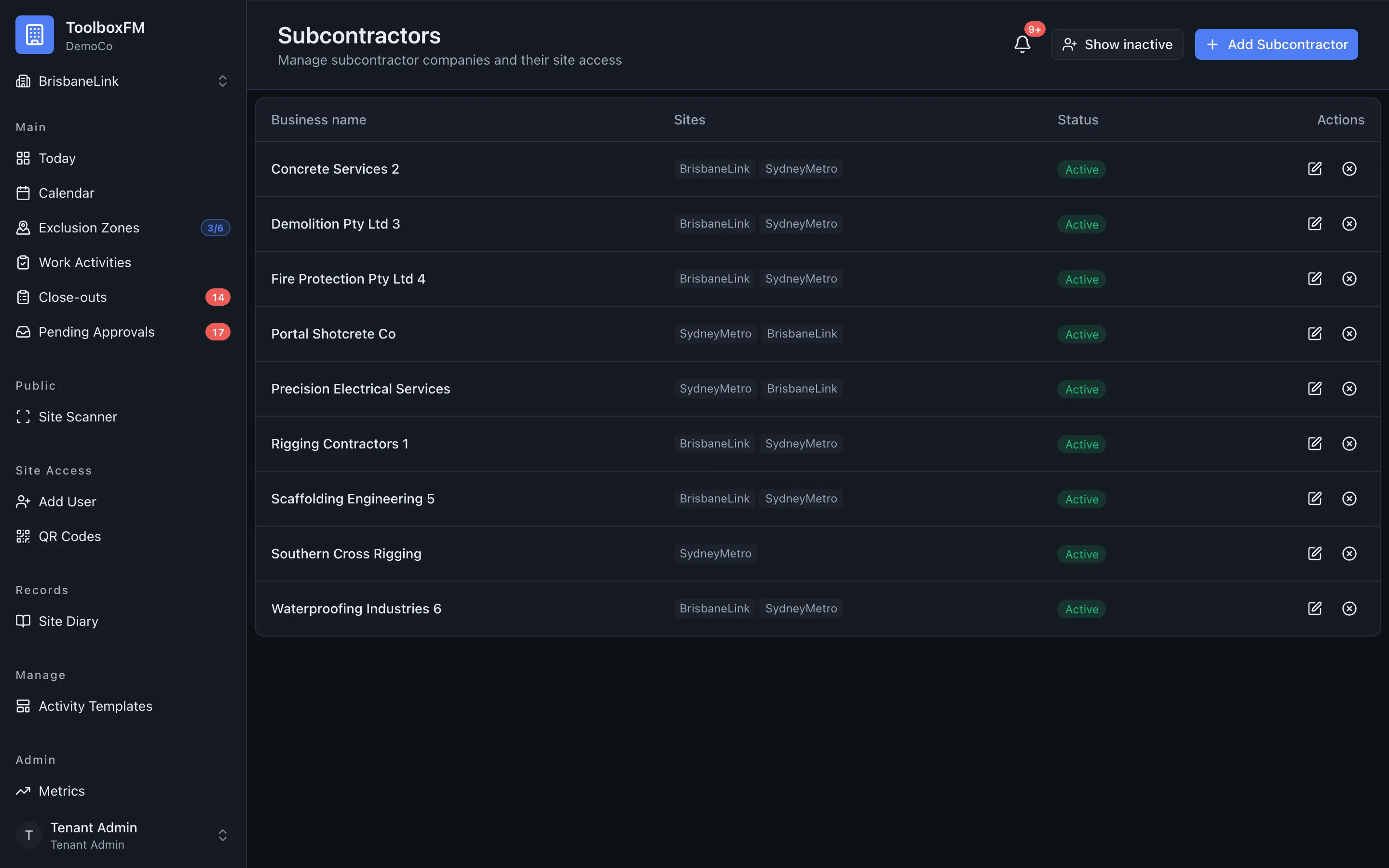
A subcontractor is a company you bring onto a project. Registering them means work activities can be attributed to the right company, which is what makes the day board and your reporting readable.
Adding one
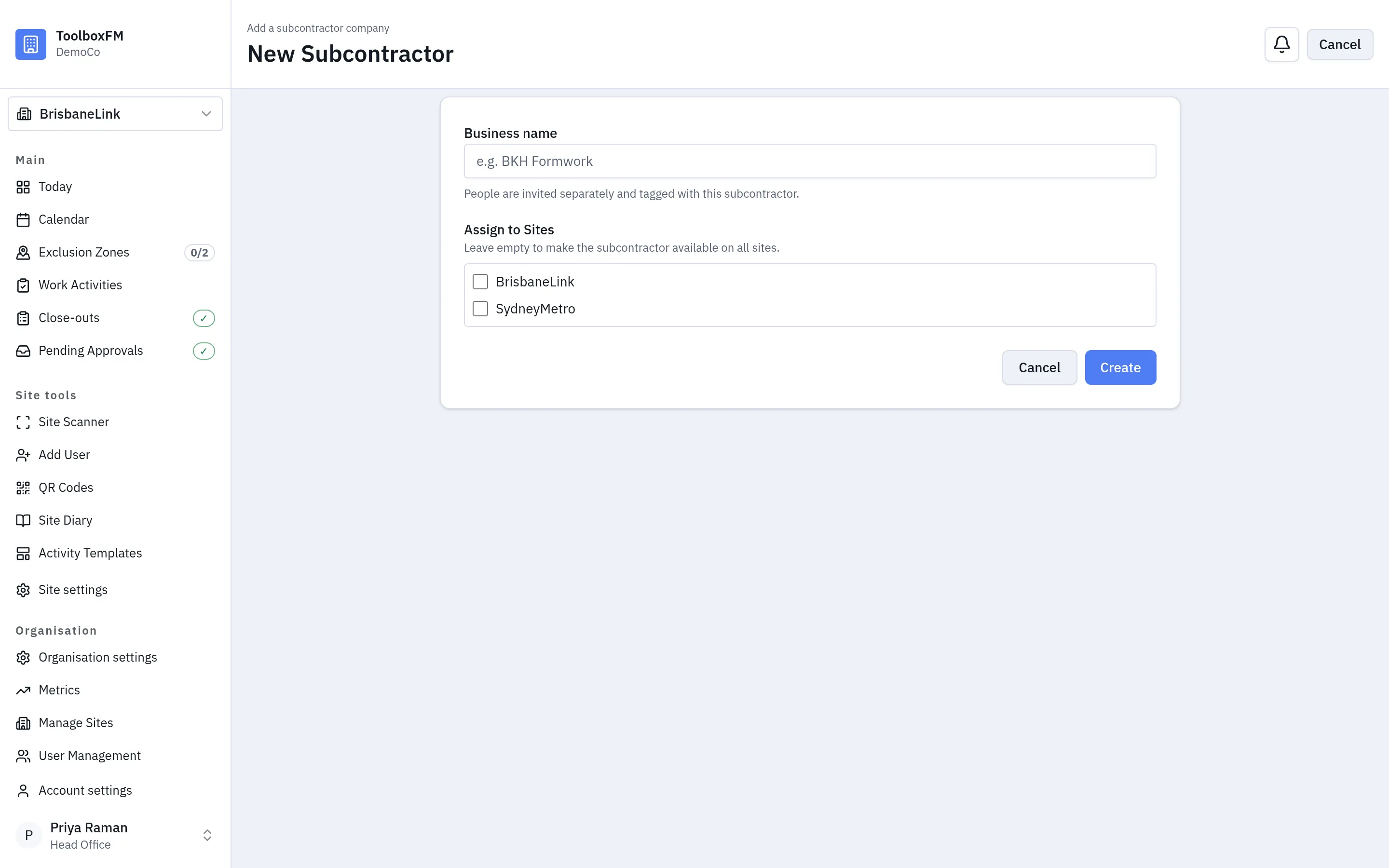
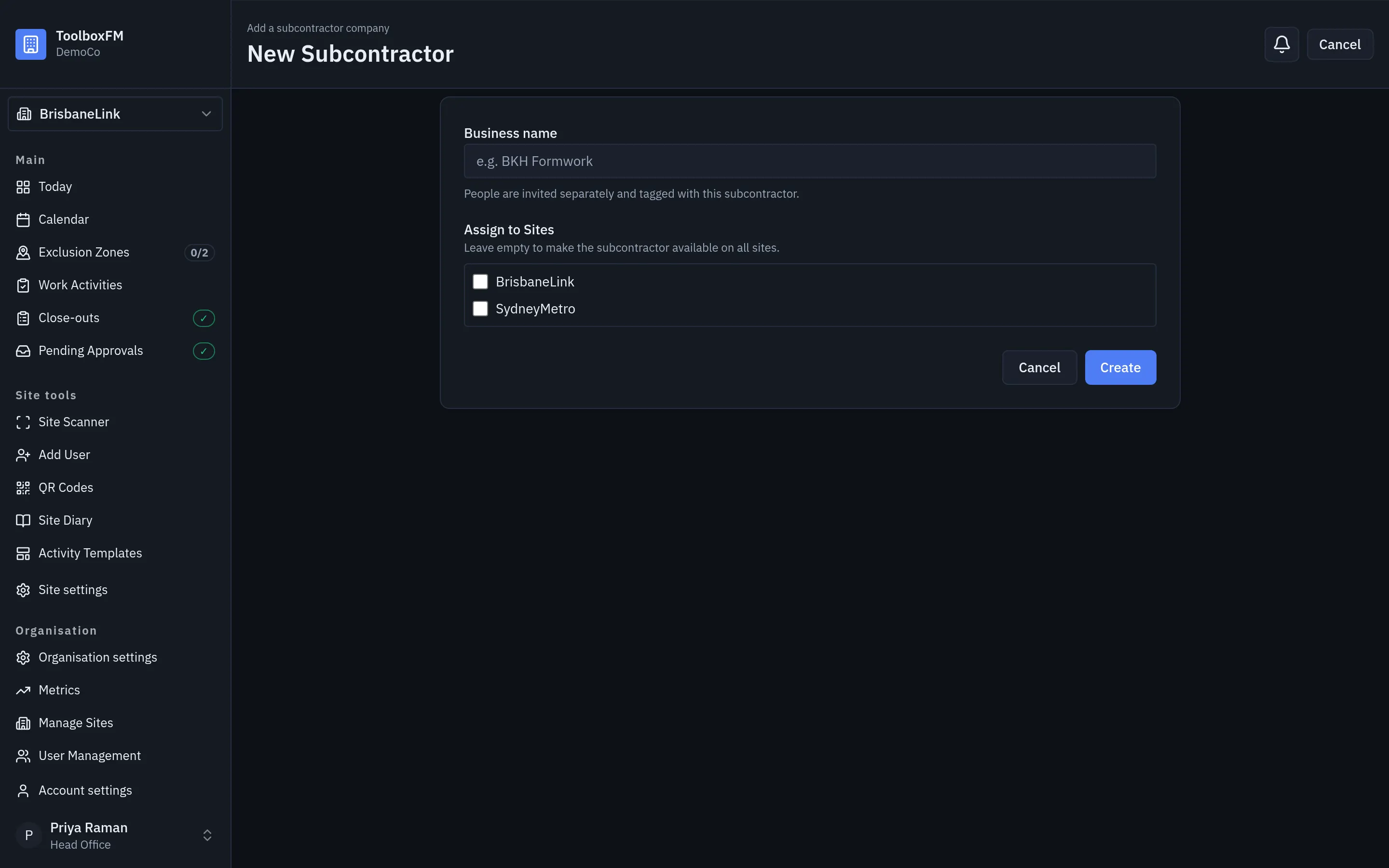
Section titled “Adding one”ToolboxFMSubcontractorsNew subcontractor — enter the business name, then choose the projects where the company works. Leave the project list empty to make the subcontractor available on every project.
A Subcontractor Supervisor’s view of a subcontractor is limited to their own company, so a supervisor from one trade cannot browse another trade’s details.
Deleting one
Section titled “Deleting one”Deleting a subcontractor does not remove the work they did. ToolboxFM keeps the record in a tombstone state: it stops appearing in pickers and lists, but the work activities, diary entries and history that refer to it still resolve to a name rather than to a blank.
This matters more than it sounds. If deletion erased the company, your historical reporting would quietly become wrong.