
Day board
The day board shows one column per zone, with the work booked into each, and updates live as things change — you do not need to refresh it.
It needs the open the day board permission. Head Office, Project Supervisor and Subcontractor Supervisor hold it; User does not. That makes it a shared view of the project rather than a management one — a subcontractor supervisor sees the board for the zones their crews are booked into.
Whether subcontractor names appear on the cards is a separate permission, held by the same three roles.
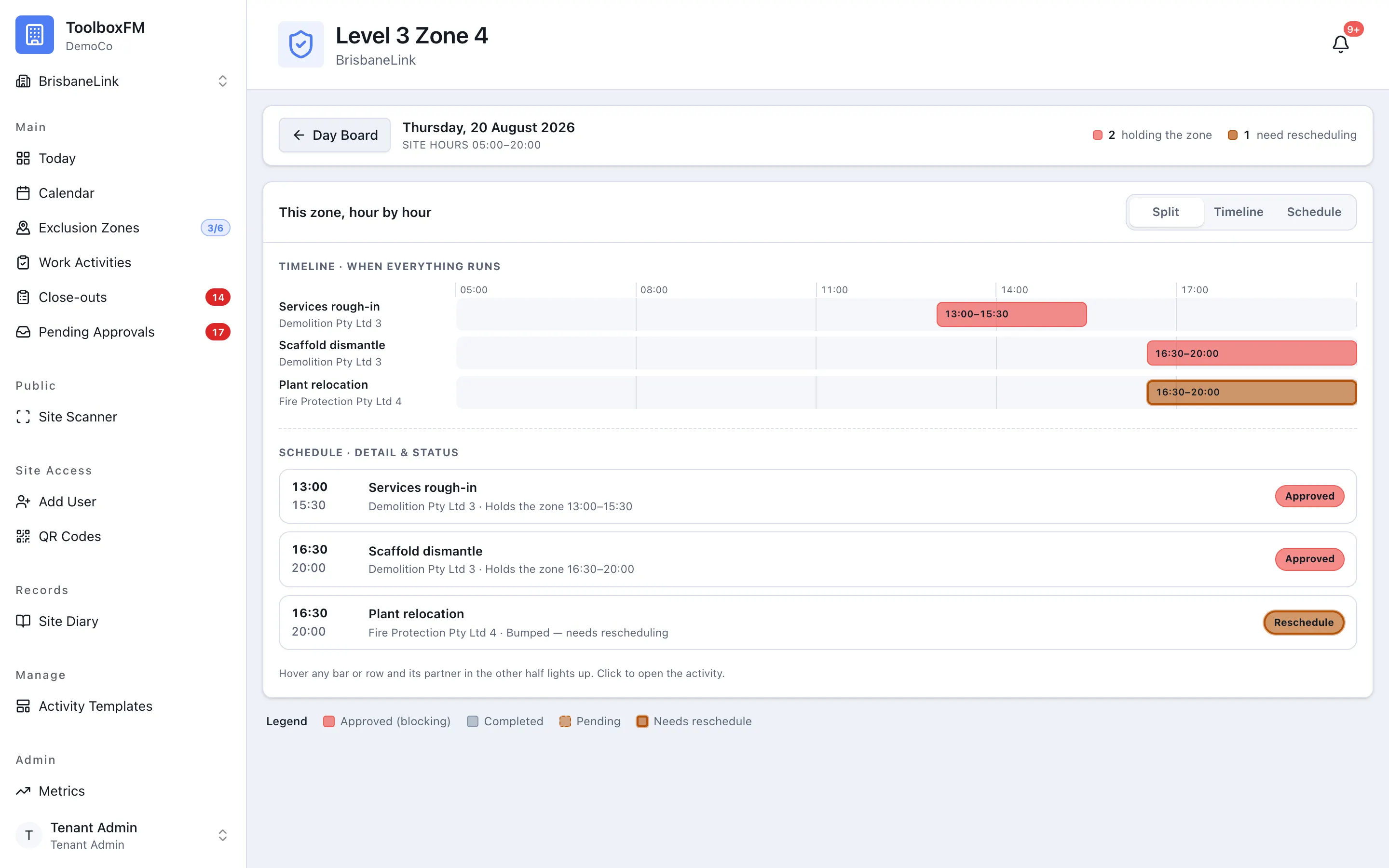
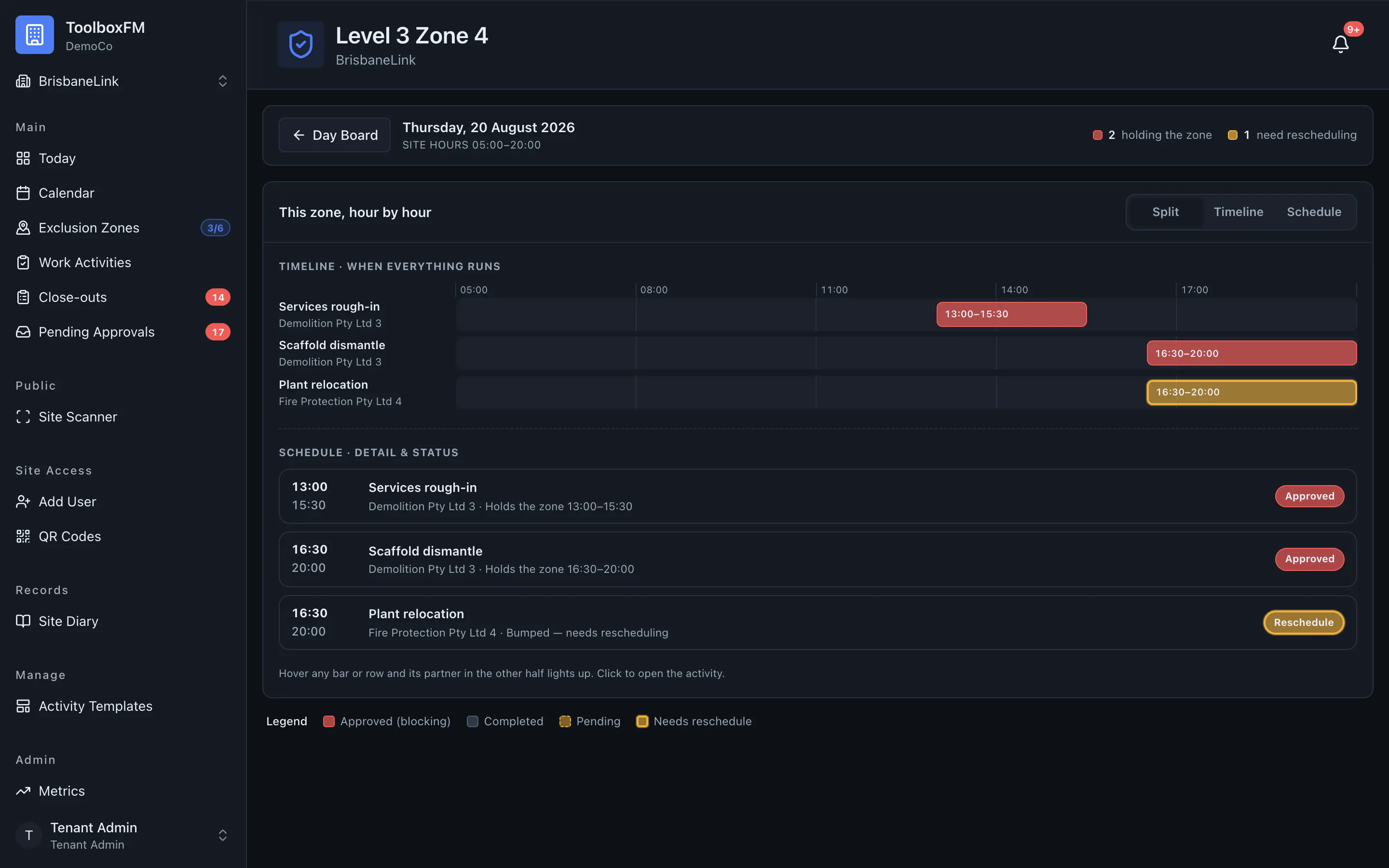
The needs-attention rail
Section titled “The needs-attention rail”The rail collects the work that has a problem, so a supervisor sees it without reading every column:
- Bumped activities — approved over by another booking on the same exclusion zone.
- Overdue activities — either running past their window, or never started at all.
Both are rescued the same way: Extend the activity.
Live updates
Section titled “Live updates”The board streams updates to your browser as work is created, approved, started and ended. If a crew supervisor books something in a zone you are watching, it appears without you doing anything.