
Project diary
The project diary is the dated record of what happened on a project — deliveries, visitors, incidents, delays and anything else worth writing down. It sits alongside the automatic record of work activities, so the two together tell the story of a day.
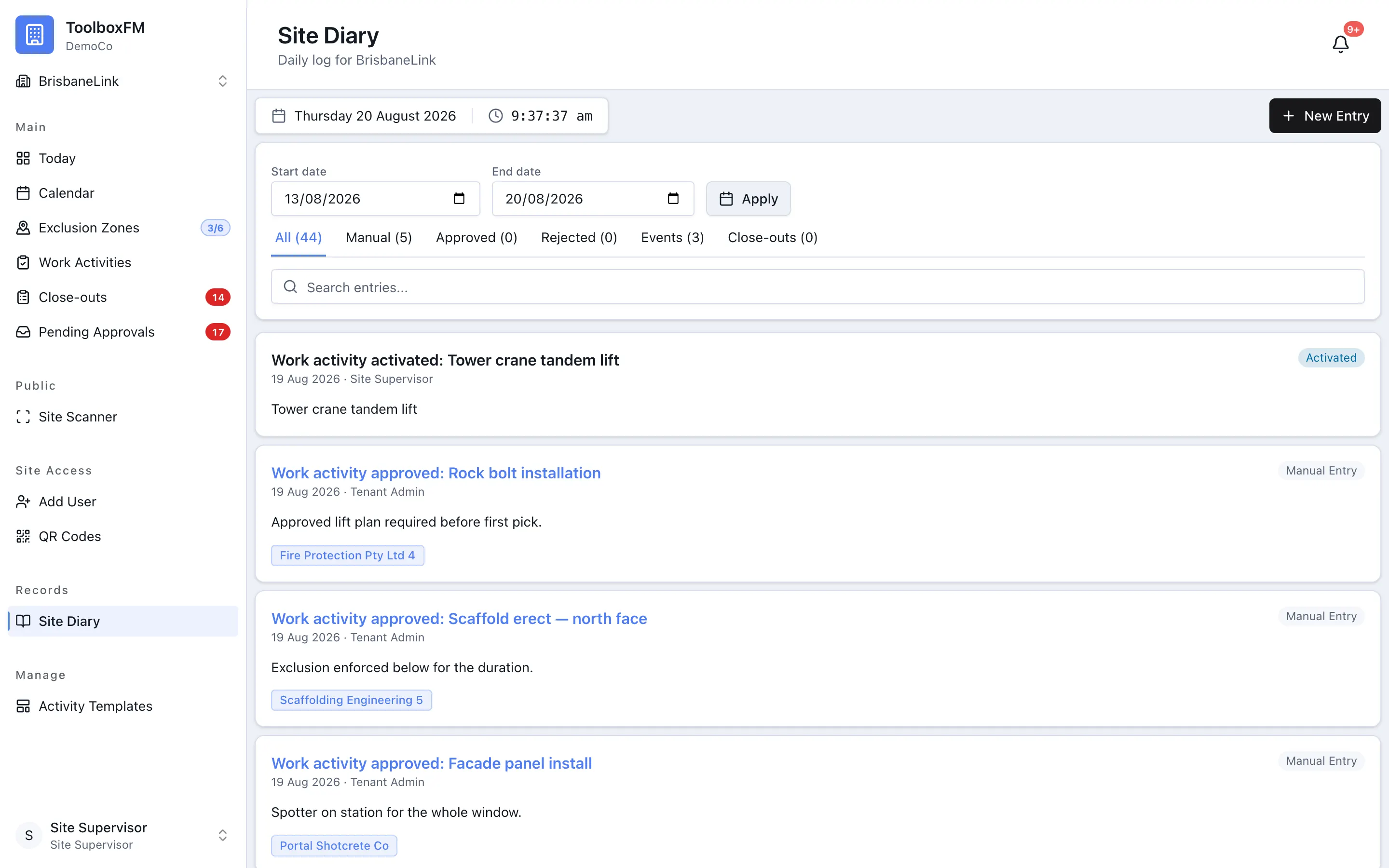
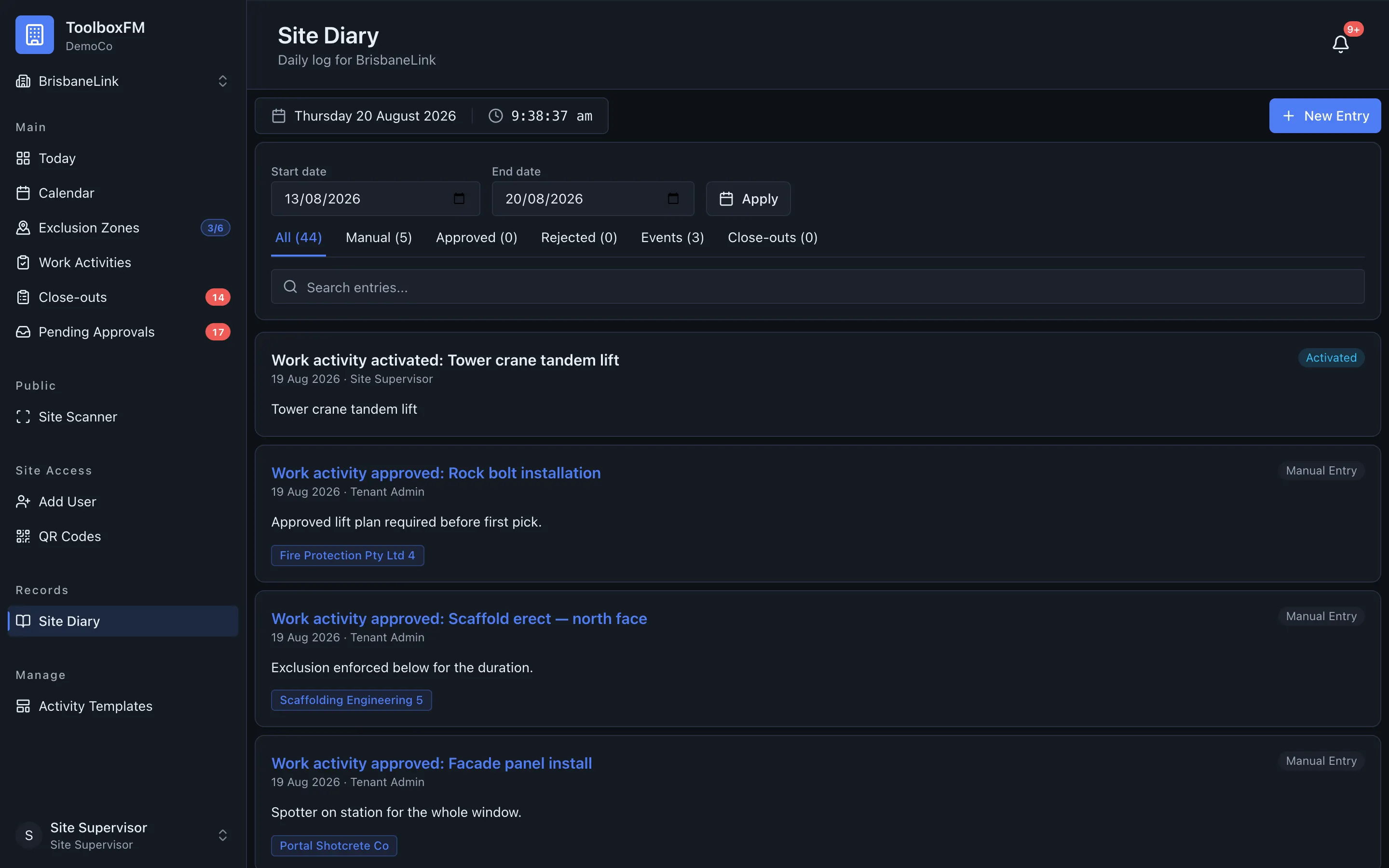
Writing an entry
Section titled “Writing an entry”ToolboxFMProject diaryNew entry — entries are timestamped and attributed to whoever wrote them.
Automatic work activity entries
Section titled “Automatic work activity entries”Work activity events are added without somebody writing a manual entry. Filing a close-out creates a Close-out filed entry. Every later correction by a Project Supervisor or Head Office creates a separate Close-out edited entry, so the diary keeps the sequence rather than replacing the original record.
Commenting
Section titled “Commenting”Anyone who can read the diary can comment on an entry, subject to their role. Comments are a general capability in ToolboxFM, not something built only for the diary, so the same comment thread appears on other things too — zones and projects, for example.
Permissions
Section titled “Permissions”| Permission | Head Office | Project Supervisor | Subcontractor Supervisor | User |
|---|---|---|---|---|
| Read diary entries | Yes | Yes | No | No |
| Write diary entries | Yes | Yes | No | No |
| Comment on entries | Yes | Yes | No | No |