Public project pages
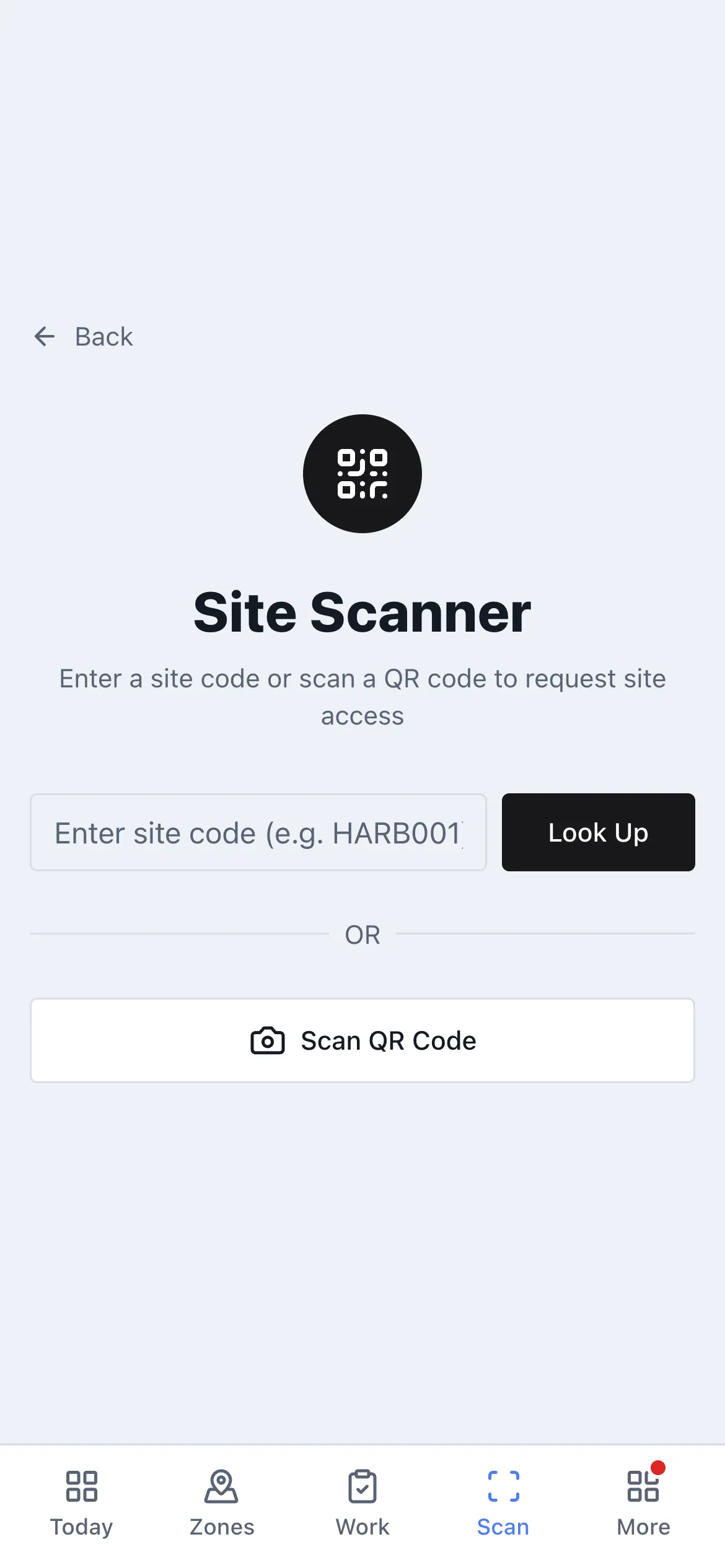
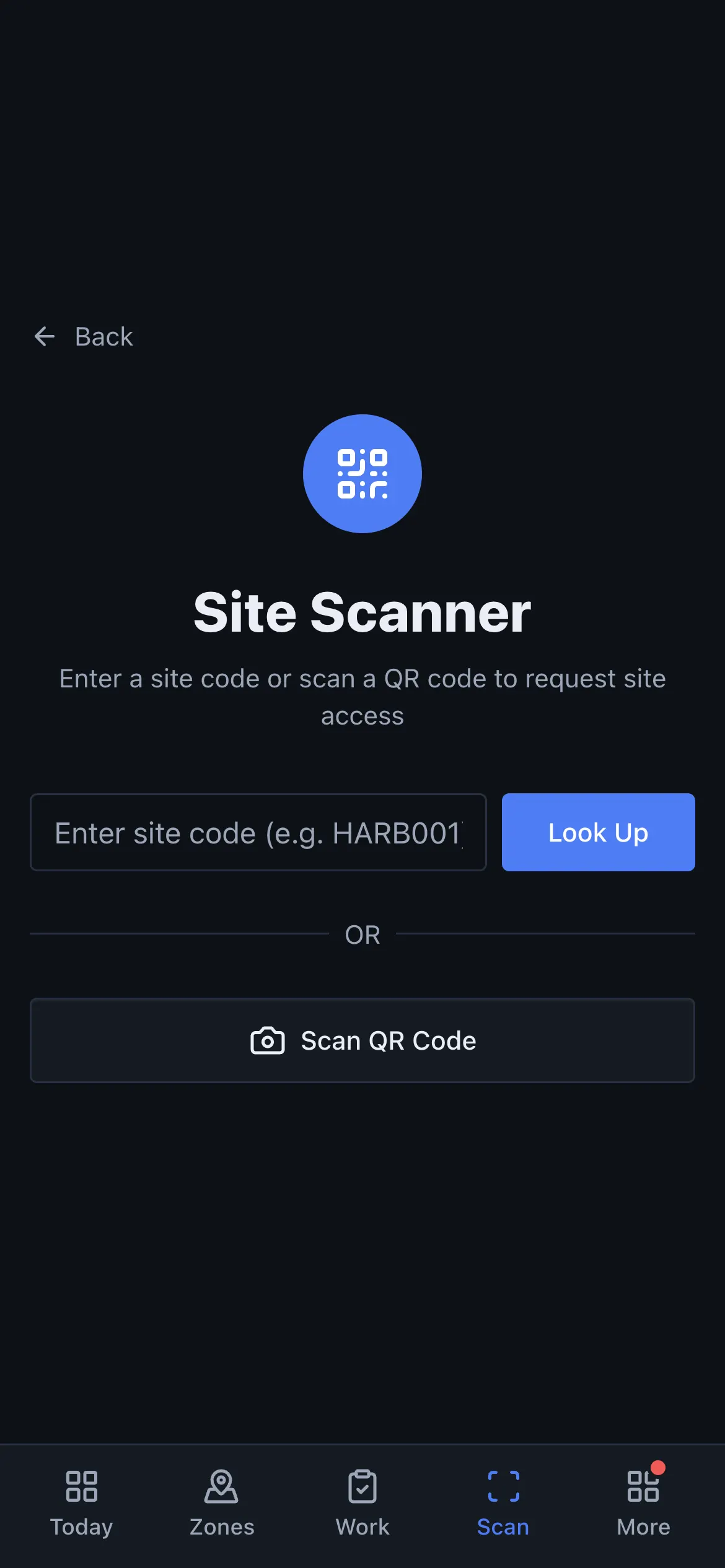
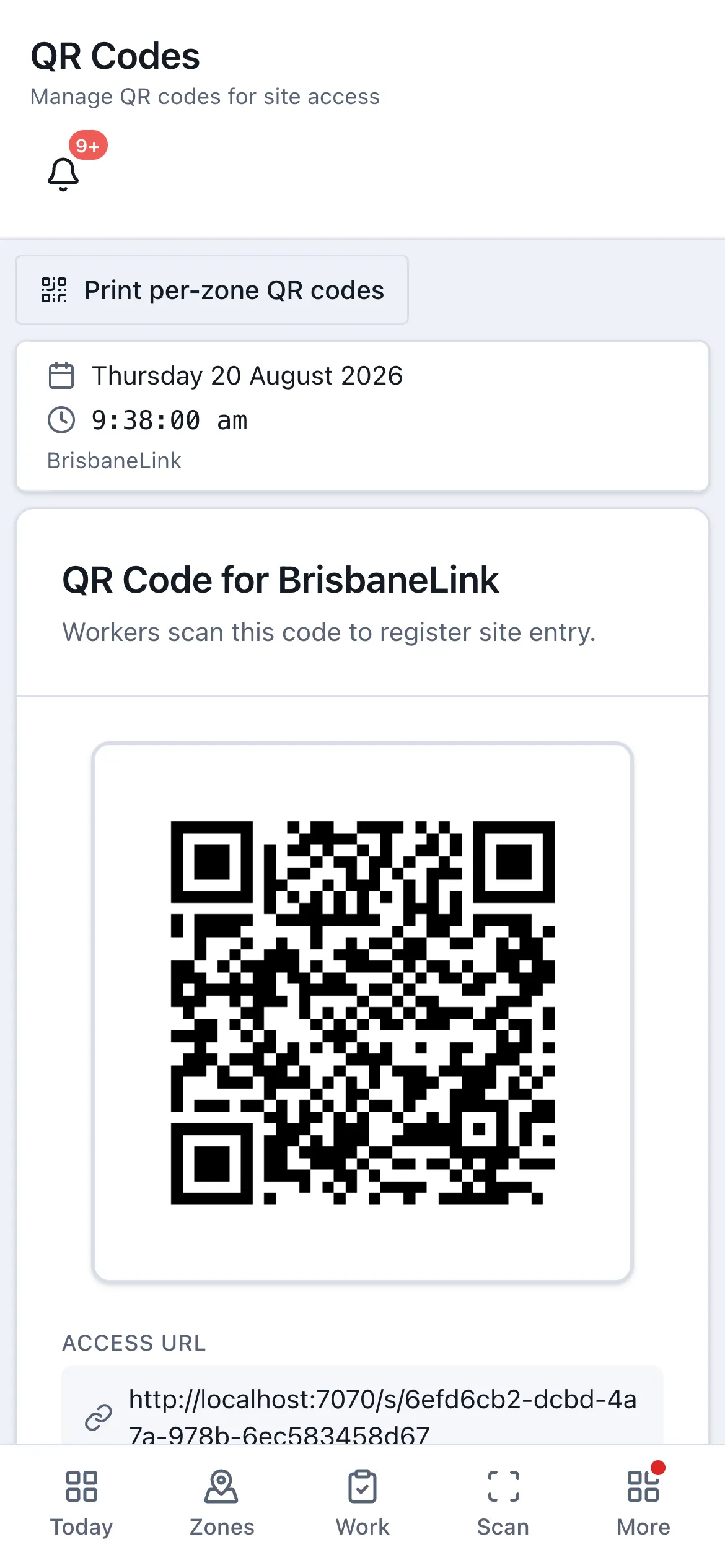
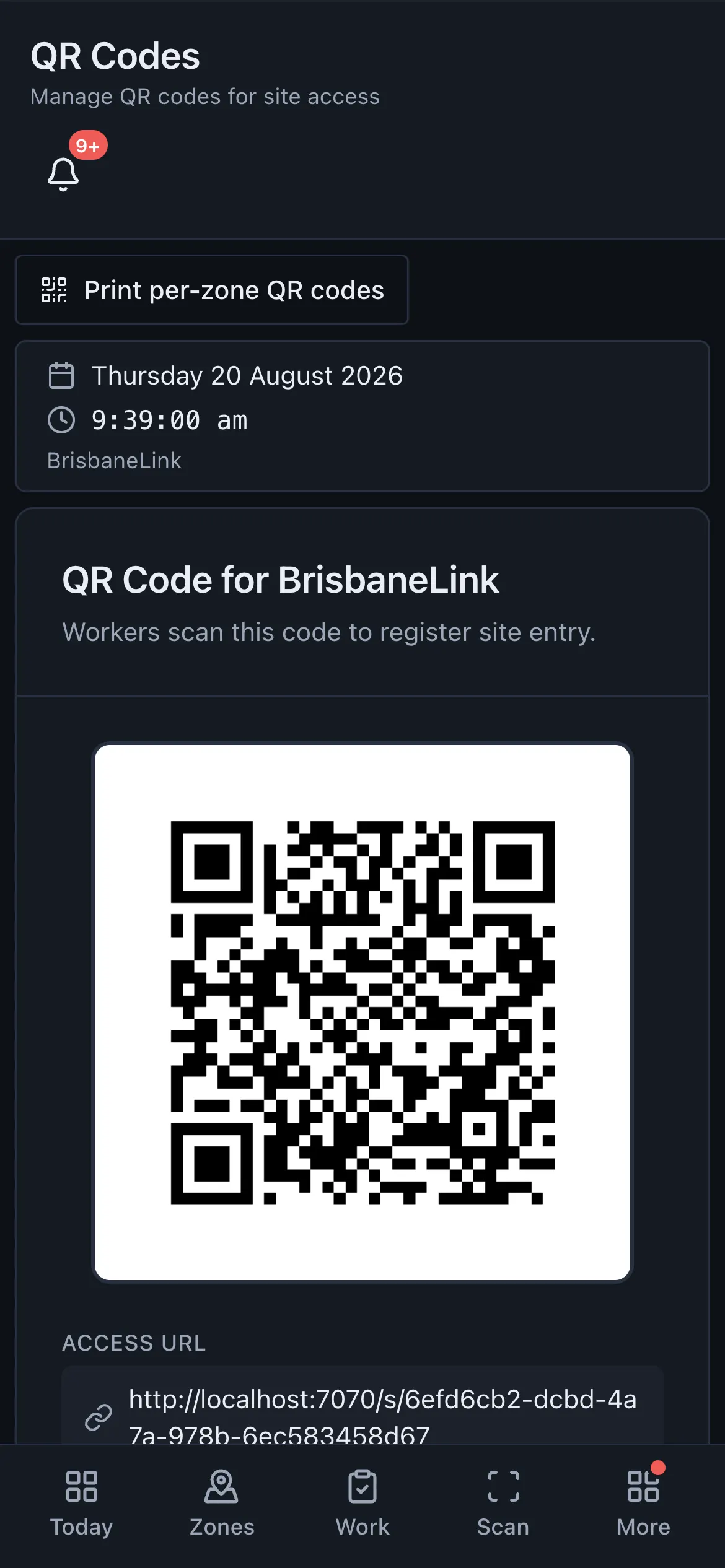
Every project has a public page, reachable by a short token address. Print it as a QR code and put it on the gate. It exists so that a visitor, a delivery driver or a new starter can find out what is happening and who to call without anybody having to give them an account.
What a visitor sees
Section titled “What a visitor sees”- What the project is and what is happening on it.
- A who to call card, populated from your people.
Nobody needs to sign in. The page is designed to answer those two questions and nothing else, so it never exposes your organisation’s data.
How the contact card is populated
Section titled “How the contact card is populated”You do not maintain the contact list by hand. ToolboxFM fills it from the roles your people hold and whether they have a mobile number recorded. Someone with a role that makes them contactable, and a mobile on file, appears.
That means the card stays correct as your team changes, and the way to remove somebody from it is to change their role or their details — not to edit a separate page.
Zone pages
Section titled “Zone pages”Individual zones have a public page too. Where the project page answers what is happening here, the zone page answers what is happening in this zone — useful when you have several gates or a large project where one QR code is not enough.