
Exclusion zones
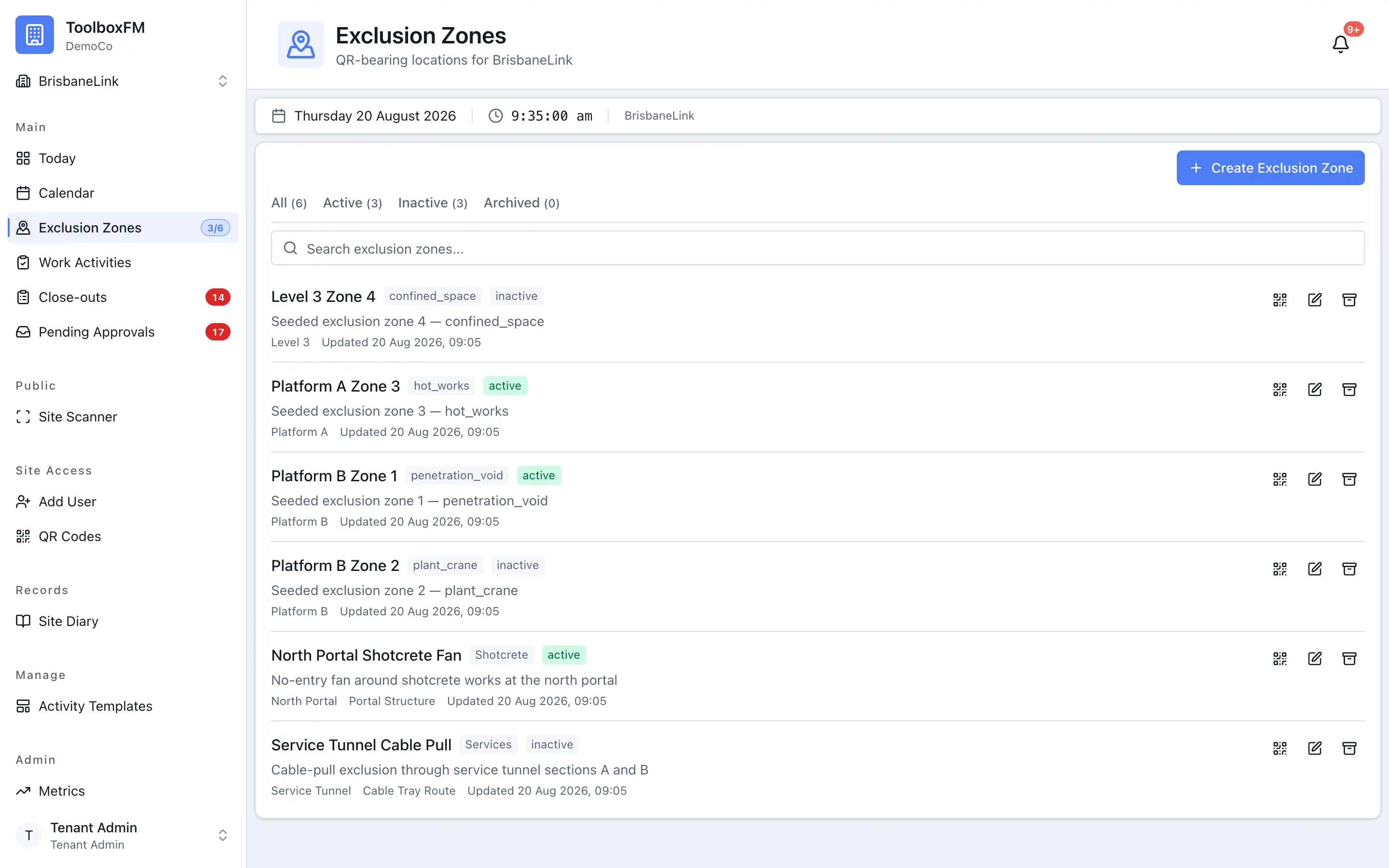
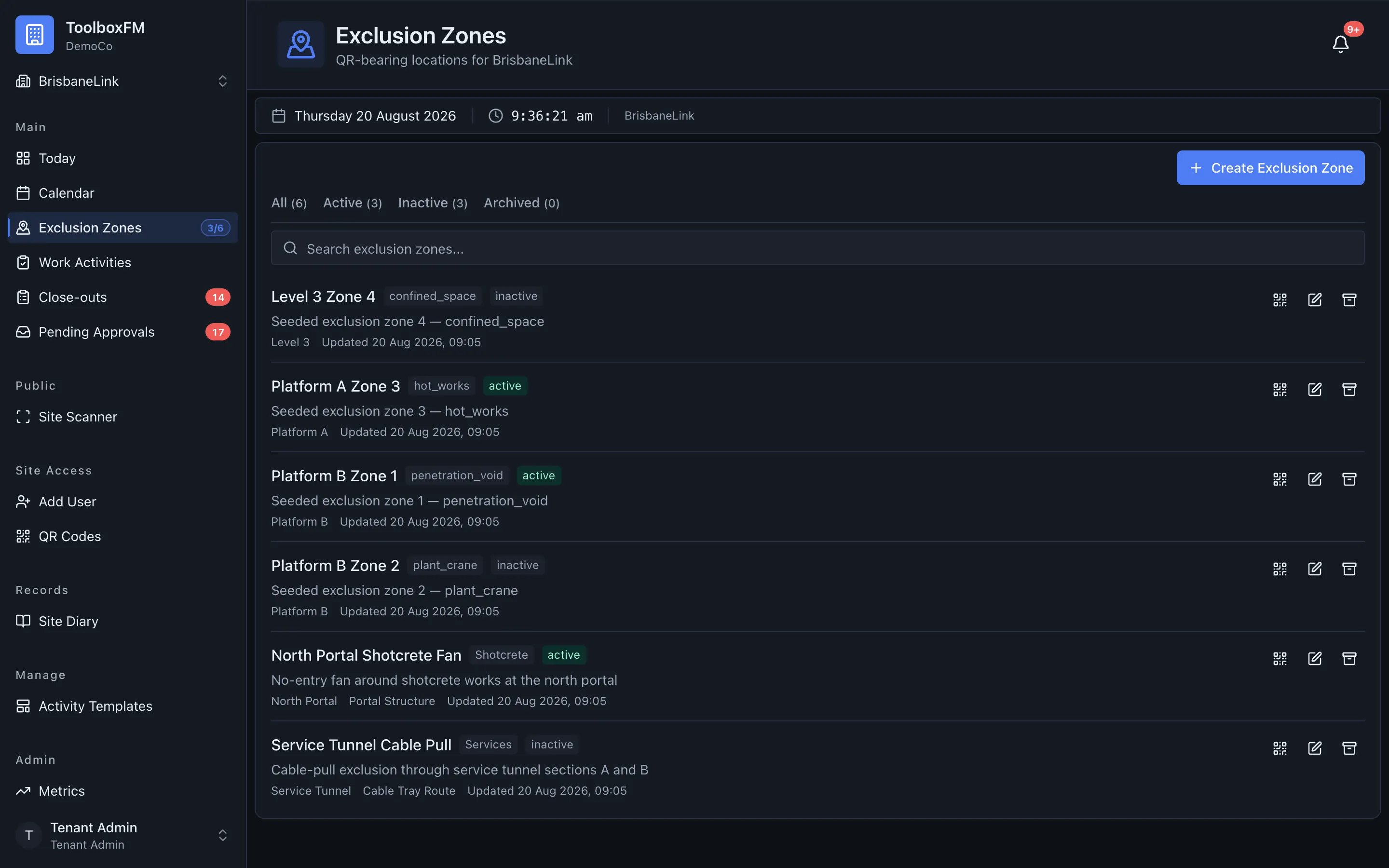
An exclusion zone is a zone that only one work activity may hold at a time. This is the feature that stops two crews turning up to the same lift at the same hour.
What “holding” a zone means
Section titled “What “holding” a zone means”A work activity blocks an exclusion zone when it is approved and still to come or under way. A booking that is waiting for approval does not block anything yet — which is deliberate, and is where the interesting behaviour lives.
First approval wins
Section titled “First approval wins”Two work activities may be requested for the same exclusion zone over the same window. Nothing stops that; a request is not a commitment. The first one to be approved takes the slot.
The other one is then described as bumped. Bumped is not a status you will find stored on the activity — it is worked out when the page is read, from the bookings that exist. That means it is always current, and it un-bumps itself if the winning booking is cancelled.
When an activity becomes bumped, two things happen:
- The person who created it, and the supervisors of the subcontractor it belongs to, get a notification.
- It appears in the needs-attention rail on the day board, so a supervisor sees the problem before the crew is standing at the gate.
Three places a clash is caught
Section titled “Three places a clash is caught”ToolboxFM checks the same rule at three levels, so a clash is stopped early and cannot be written anyway:
| Level | What it does |
|---|---|
| The form | Shows a live availability check next to the time window while you fill in the activity. |
| The service | Rejects a hard conflict with a message naming the activity, contractor and window that already holds the zone. |
| The database | A constraint makes an overlapping blocking booking impossible to store, even if the first two are bypassed. |
The result is that you get a helpful message rather than a generic failure, and the data cannot end up in a state the first two layers would have prevented.