How ToolboxFM is organised
Everything in ToolboxFM is built from four ideas. Learn these and the rest of the product is configuration.
Projects
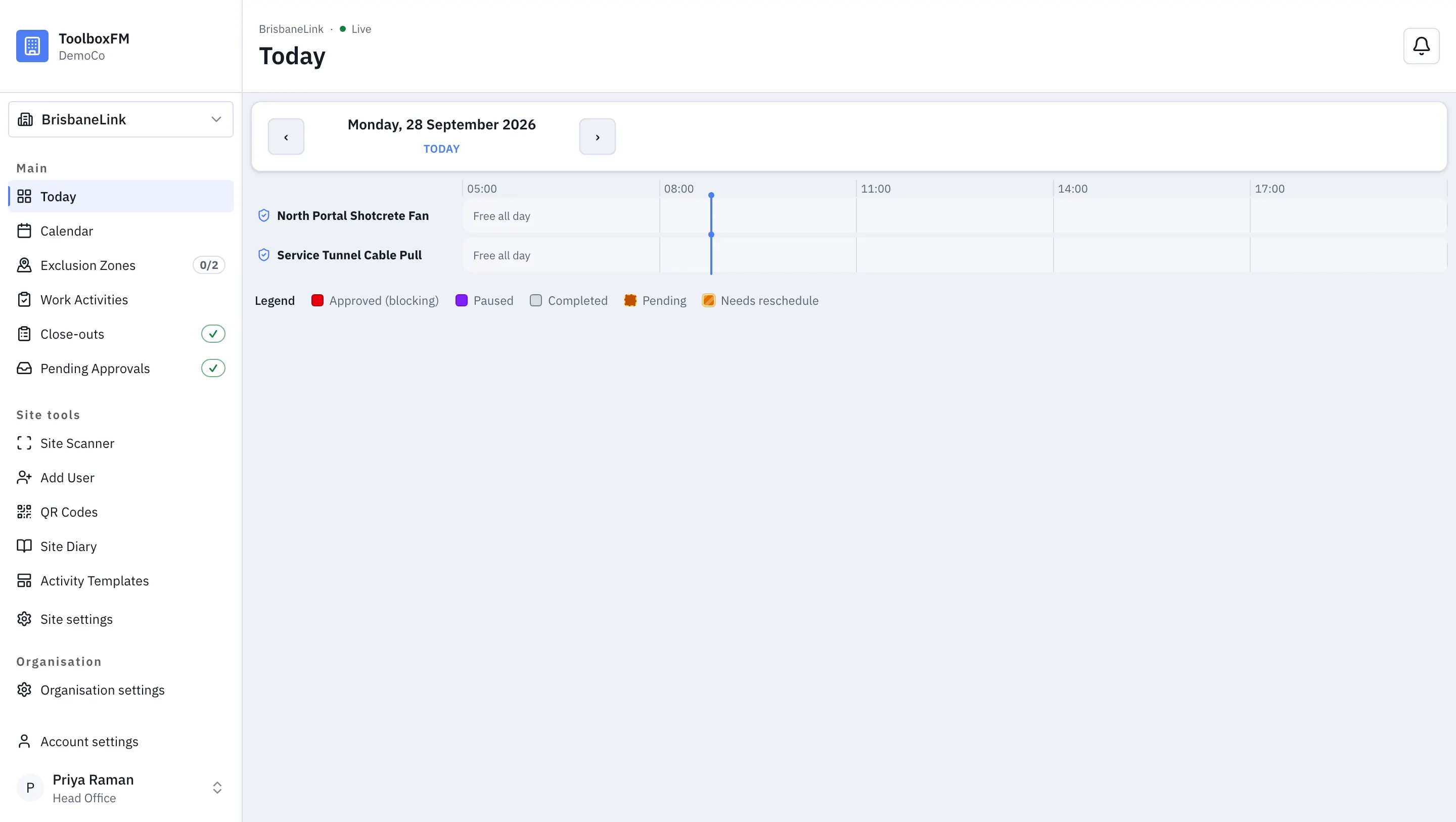
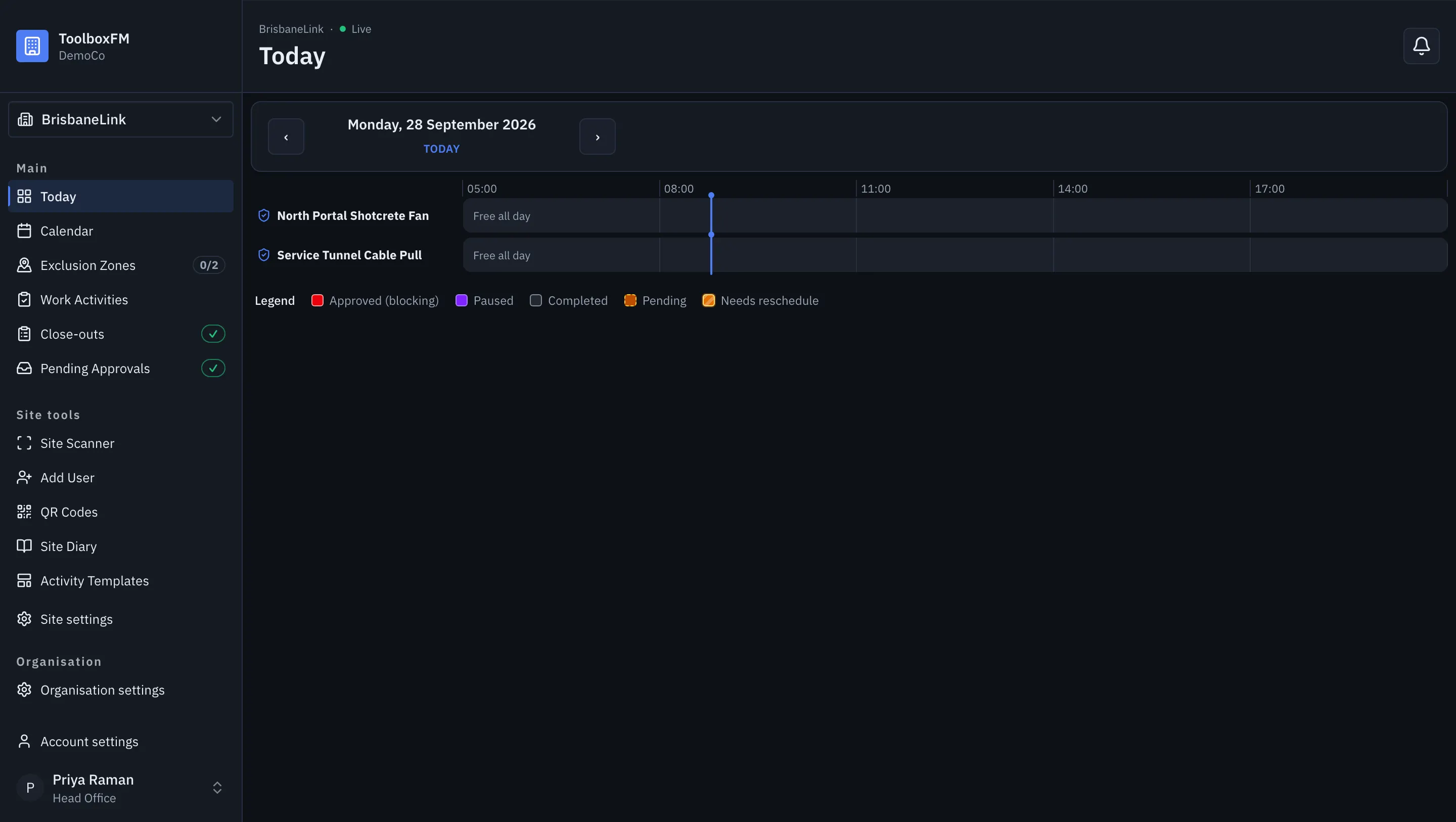
Section titled “Projects”A project is a physical place you manage — a job, a yard, a depot. Every other thing you create belongs to exactly one project. Someone with the Head Office role can see all projects; everybody else sees the projects they have been given a role on.
Each project gets a public landing page at a short address you can print as a QR code and stick on the gate. Scanning it shows a visitor what is happening on the project and who to call. It does not expose your data.
Inside a project, a zone is an area you want to track separately — a level, a loading dock, a basement. Zones have a lifecycle:
| State | Means |
|---|---|
| Pending | Created but not yet open for work. |
| Active | Open. Crews can book work here. |
| Closed | Finished or shut off. No new work. |
Some zones are also exclusion zones. An exclusion zone is one where only one crew may be working at a time — a crane lift, a live electrical board, an area with a single access point. ToolboxFM enforces this rather than trusting people to remember.
Work activities
Section titled “Work activities”A work activity is one crew doing one job in one zone over one time window. It is the unit everything else hangs off: approvals, the day board, pause and close-out, and the diary.
A work activity is created, approved, and then runs. While it runs it can be paused and resumed. It finishes either because somebody ended it or because the system closed it out for them. See Work activity lifecycle.
People
Section titled “People”People get a role, and the role decides what they can do. Three of the four roles are scoped to one project; only Head Office spans the whole organisation. The full breakdown is in Roles and permissions.
Where to go next
Section titled “Where to go next”- New organisation? Start with Set up your organisation.
- Already set up and running a project? Jump to Run a project.